Redmi 15 hidden features you didn’t know about
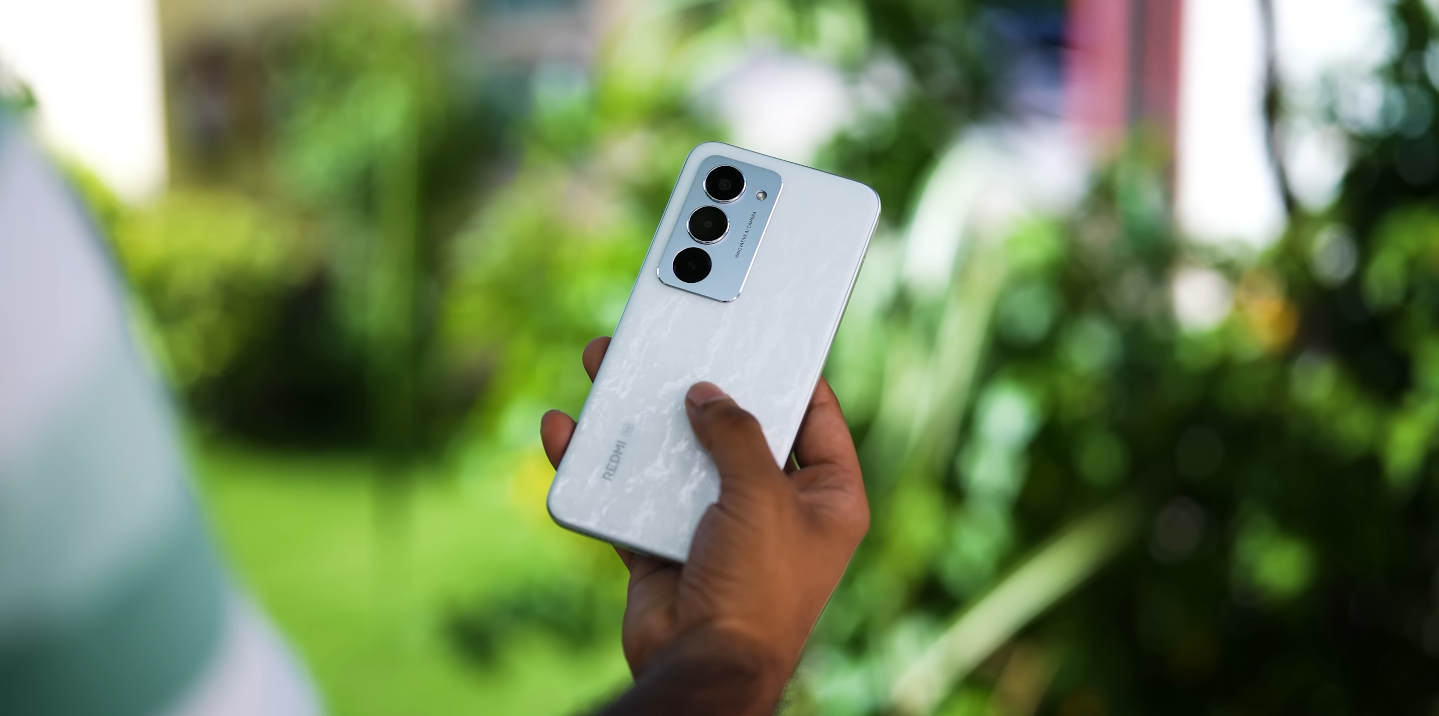
Secret tools and tricks inside Xiaomi’s new budget star
Xiaomi’s Redmi 15 has already impressed with its massive 6.9-inch 144Hz display and 7000 mAh battery, but beneath its surface lies a collection of clever hidden features that many users might overlook. From smart system shortcuts to advanced customisation options, the Redmi 15 packs more intelligence than you’d expect from a budget phone.
One of the most useful hidden tools is the Smart Sidebar, a floating panel that lets you access apps, screenshots, and screen recording tools instantly. It slides out with a swipe from the side of the display, saving time when multitasking. Gamers especially appreciate this feature, as it allows quick access to key apps without leaving the game screen.
Another feature tucked inside HyperOS is Video Toolbox, designed for entertainment lovers. When you play YouTube or Netflix, swiping from the edge opens a hidden control menu that lets you enhance sound, adjust colour saturation, or even play videos in the background with the screen off — something not all Android phones allow.
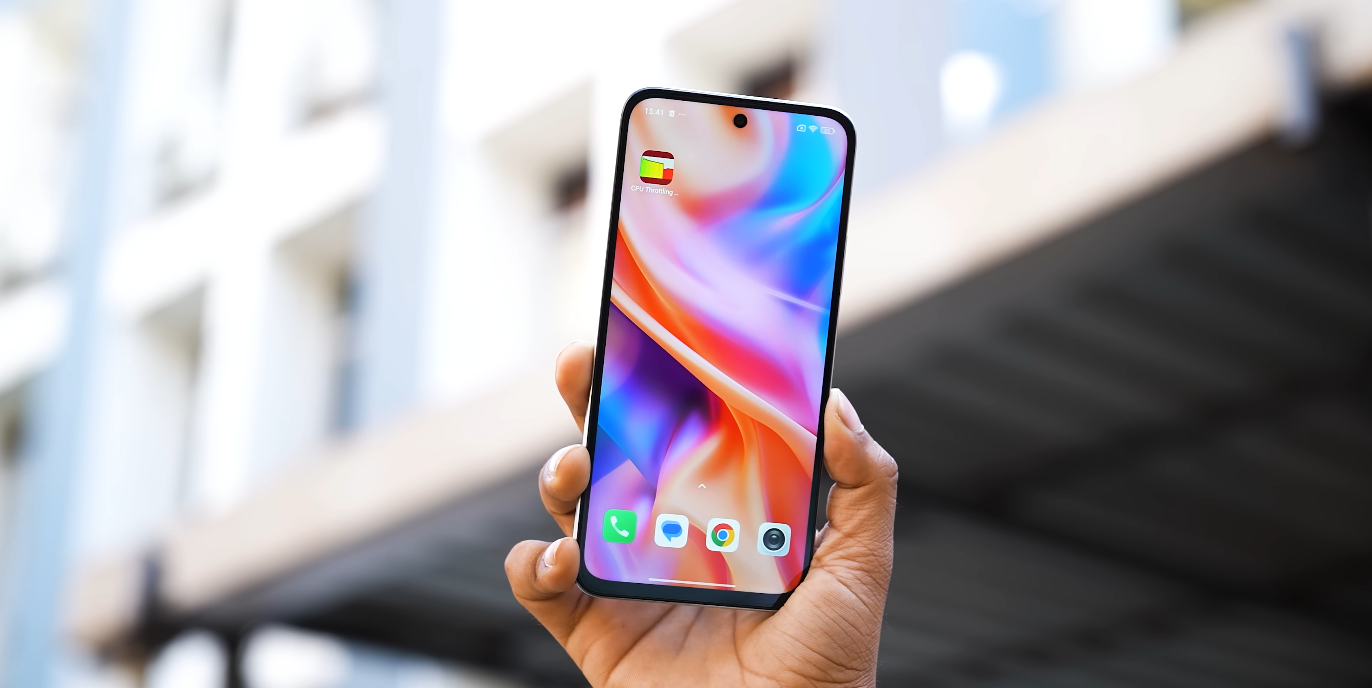
Redmi 15 also includes Battery Extension Mode, a software trick that prolongs battery life by controlling background apps and adjusting refresh rates automatically. Combined with the huge 7000 mAh cell, it allows users to squeeze out up to two days of use on a single charge, especially useful during travel or outdoor activities.
One lesser-known gem is Memory Extension, which converts unused storage into temporary RAM. This boosts performance during heavy multitasking, letting the phone handle larger apps or games more smoothly. It’s a clever use of software optimisation that narrows the performance gap between this and mid-range rivals.
The AI Image Engine is another hidden strength. Found under camera settings, it improves low-light photos, enhances clarity, and automatically adjusts tones without manual editing. This makes even quick snapshots look noticeably sharper and more balanced, a pleasant surprise for users expecting basic camera results.
Xiaomi has also added a Privacy Dashboard, offering greater control over app permissions. It shows which apps accessed the camera, microphone, or location recently, allowing users to revoke access with a single tap. For security-conscious users, this feature adds an extra layer of confidence rarely found in phones at this price.
Another subtle but practical feature is the Gesture Controls menu. Users can double-tap the back to take screenshots, open the camera, or even turn on the flashlight. Once customised, these shortcuts become second nature and save time in everyday use.
Music fans will enjoy the Audio Enhancer mode, hidden in sound settings. It lets users fine-tune bass, treble, and balance for wired and wireless earphones. When paired with Dolby Atmos support, the Redmi 15’s audio performance feels much more premium than expected for its class.
Lastly, Xiaomi’s One-Handed Mode makes handling the large display easier. With a quick gesture, the screen shrinks to a smaller window, allowing easy navigation with a single thumb — a thoughtful addition for those who prefer compact usability without sacrificing screen size.
All these hidden features prove that the Redmi 15 isn’t just a budget device — it’s a thoughtfully designed smartphone packed with surprises. Xiaomi has managed to blend powerful hardware with smart software touches, giving users an experience that feels far beyond its price tag.