Pixel 10 Pro Fold App Optimization for Foldable Mode
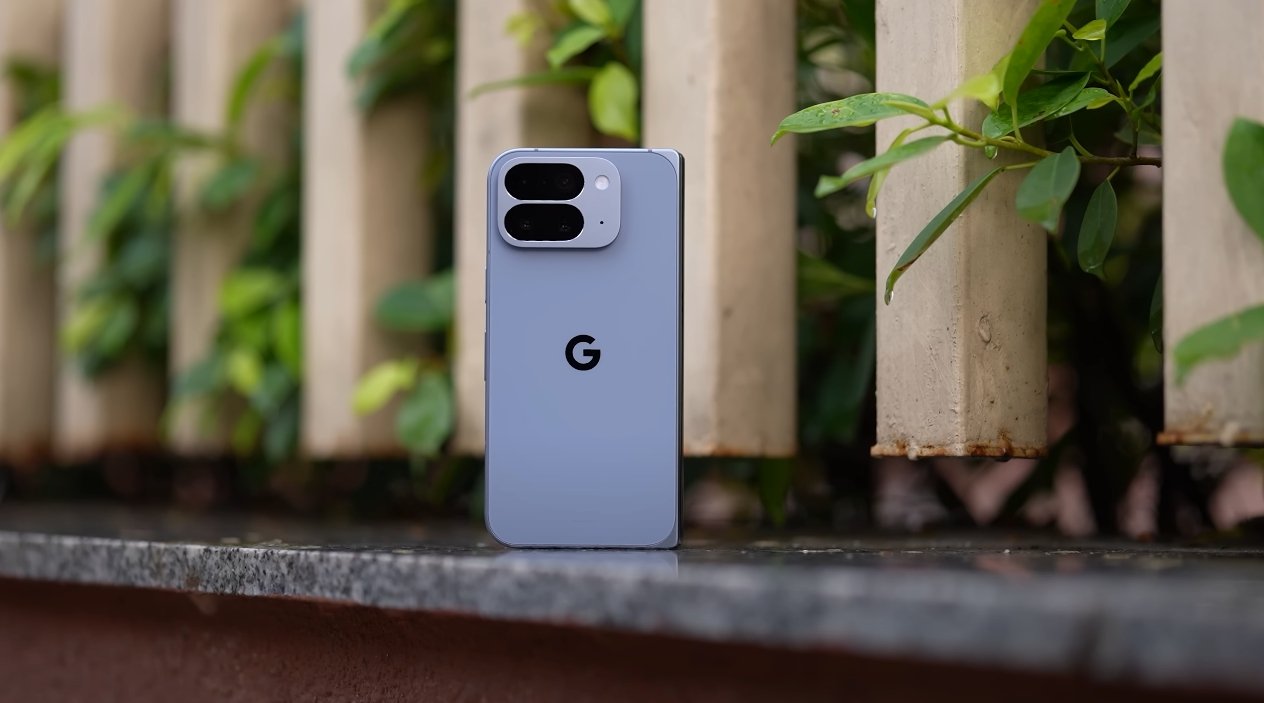
Optimizing Apps for the Pixel 10 Pro Fold
The Pixel 10 Pro Fold brings foldable smartphones into the mainstream with its large internal display and compact external screen. One of the key advantages of foldable devices is the ability to run apps in multiple modes, adapting seamlessly between folded and unfolded states. Google has focused heavily on optimizing Android for this foldable, ensuring a smooth experience for both native and third-party applications.
When unfolded, the Pixel 10 Pro Fold provides a tablet-like display that allows apps to expand and offer additional functionality. Apps like Gmail, YouTube, and Google Maps take advantage of the wider screen, showing more content, multiple panes, or enhanced navigation controls. For instance, Gmail can display a full list of emails alongside the reading pane, making multitasking easier and more productive. Users report that common tasks, such as replying to messages or editing documents, feel more natural and efficient in foldable mode.
Third-party apps have also been optimized for foldable screens. Social media platforms like Instagram and Twitter display feeds in a more expansive layout, showing larger images and videos without scrolling as frequently. Streaming apps like Netflix and Disney+ scale video content to fill the larger screen, providing a more immersive experience. Early users in the USA note that app developers are gradually releasing updates specifically for foldable devices, further improving usability and reducing interface inconsistencies.
Multi-window support is another significant feature of the Pixel 10 Pro Fold. Users can run two apps simultaneously side by side or in split-screen mode. For example, one can have a video call on Google Meet while referencing a document in Google Docs. The foldable-optimized interface ensures that each app adjusts its layout correctly, avoiding clipping or overlapping content. This enhances productivity and makes the Pixel 10 Pro Fold an appealing choice for professionals and multitaskers.
Google’s software enhancements also include app continuity. When transitioning from the smaller external display to the main internal display, apps seamlessly adjust without restarting. This ensures that users can pick up exactly where they left off, whether reading an article, drafting an email, or playing a game. Continuity is particularly useful for users who frequently switch between folded and unfolded modes during the day.
Certain system-level optimizations have been implemented to make foldable app usage more intuitive. For instance, notifications and quick settings adapt to the screen orientation, and gestures have been refined to accommodate the wider display. Keyboard and input methods scale automatically, providing comfort during typing or editing tasks. Many apps also take advantage of the extended screen real estate for enhanced controls, toolbars, and navigation menus.
However, while the Pixel 10 Pro Fold provides strong app optimization, not all apps are fully adapted yet. Some older or less frequently updated apps may display black bars, stretched interfaces, or misaligned controls in unfolded mode. Google has been actively encouraging developers to adopt foldable-friendly guidelines, and the ecosystem is steadily improving. Users in the USA note that daily-use apps like Gmail, YouTube, and Chrome offer excellent foldable support, making most core activities seamless.
In conclusion, the Pixel 10 Pro Fold offers one of the most refined foldable app experiences currently available. With native apps, third-party apps, multi-window support, and app continuity, the device maximizes the potential of its large internal display. While a few apps still require updates for full compatibility, the majority of essential apps run smoothly in foldable mode. For users seeking enhanced multitasking, productivity, and immersive media experiences, the Pixel 10 Pro Fold delivers a foldable-optimized software experience that is both functional and intuitive.