OnePlus 15 launch day essential checklist for buyers

Everything to verify and set up when unboxing the phone
The launch of the OnePlus 15 has generated a lot of excitement, but a smooth experience depends on setting the phone up correctly from day one. A proper checklist ensures there are no surprises later and helps buyers get the best performance and protection from the very first use.
Start by checking the box contents thoroughly. Confirm that the phone, cable, charger if included for your region, documentation, SIM tool and any promotional extras match what was advertised for your particular variant. Also verify that the RAM and storage configuration printed on the box matches what you ordered.
After unboxing, inspect the device physically under bright light. Look closely at the edges, back panel, camera module, display and bezels to make sure there are no scratches, dents, dead pixels or glue marks. Any visible defect should be reported immediately rather than after weeks of use.
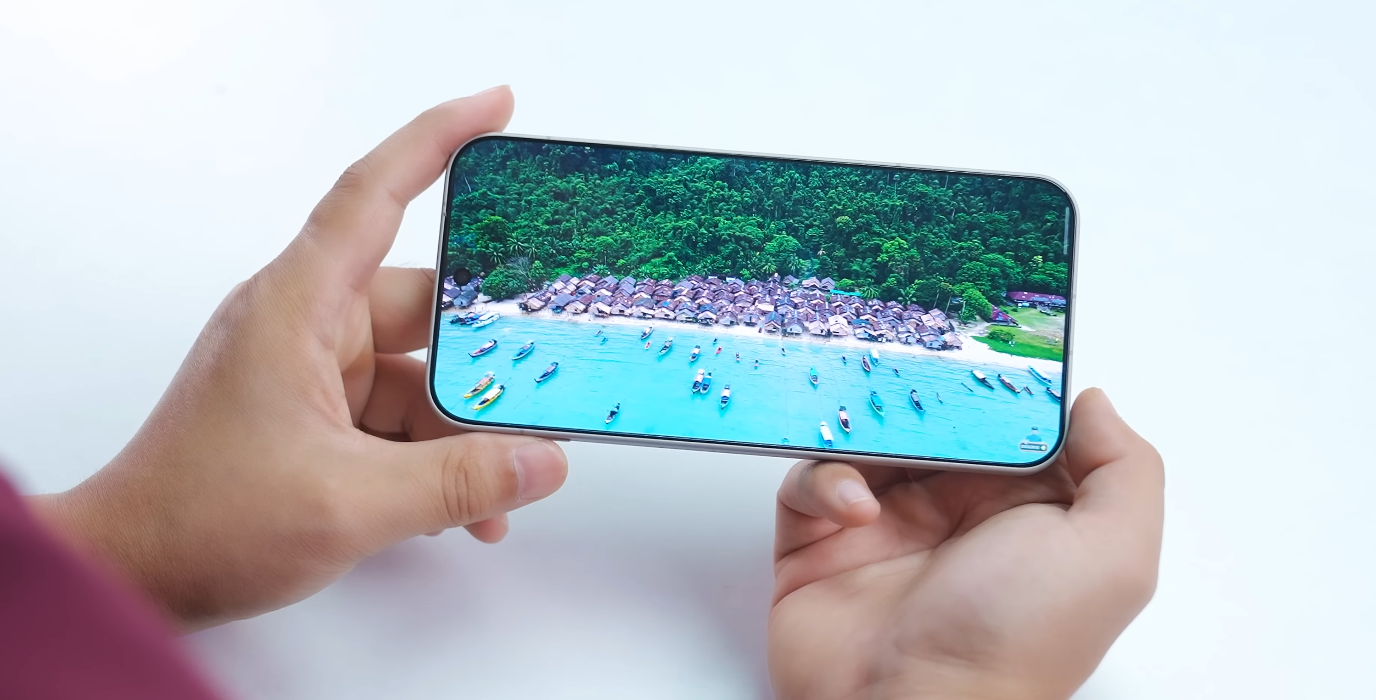
Before jumping into apps, connect to Wi-Fi and install the first software update. Flagship phones frequently receive early patches to improve performance, camera tuning and battery optimisation. Running that update on the first day helps prevent many issues later.
Protection should be prioritised early. Apply a screen protector if one is not pre-installed, and fit a durable case even if you prefer a slim look. The OnePlus 15 has a sleek finish that can be slippery, so grip protection prevents accidental drops during daily use.
Next, set up core functions including fingerprint unlock, face unlock and network preferences such as 5G and VoLTE. Adjust display settings and refresh rate according to your preference, as the phone supports extremely high performance modes that may affect battery consumption if left unchecked.
Camera performance should also be checked on day one. Test normal, ultra-wide, portrait and low-light modes so you can identify any autofocus or lens calibration issues early. If you spot major irregularities, it is easier to request support or replacement during the initial return window.
A quick systems check helps avoid surprises. Test Wi-Fi stability, mobile data, Bluetooth connectivity with earphones, GPS location accuracy and speaker clarity. Place a quick test call to ensure microphone and earpiece audio are working correctly from the very beginning.
Battery behaviour should also be monitored during the first charges. Confirm that the charger operates at the expected speed and that no excessive heating occurs while charging or gaming. This establishes early confidence in the phone’s thermal and power management.
Make sure backups are enabled from day one. Whether using Google, OnePlus Cloud or another service, automatic backup prevents losses if the phone is ever reset or damaged. It also simplifies upgrades to future devices.
Finally, register the device for warranty and support. Keeping digital proof of purchase, IMEI details and warranty activation ensures faster service if ever needed later.
By following these essential launch-day steps, OnePlus 15 buyers can protect their device, detect any problems early and optimise performance for long-term use. This approach creates a smoother ownership experience and maximises the value of the phone right from the start.