OnePlus 15 user interface highlights: OnePlus’s freshest design yet
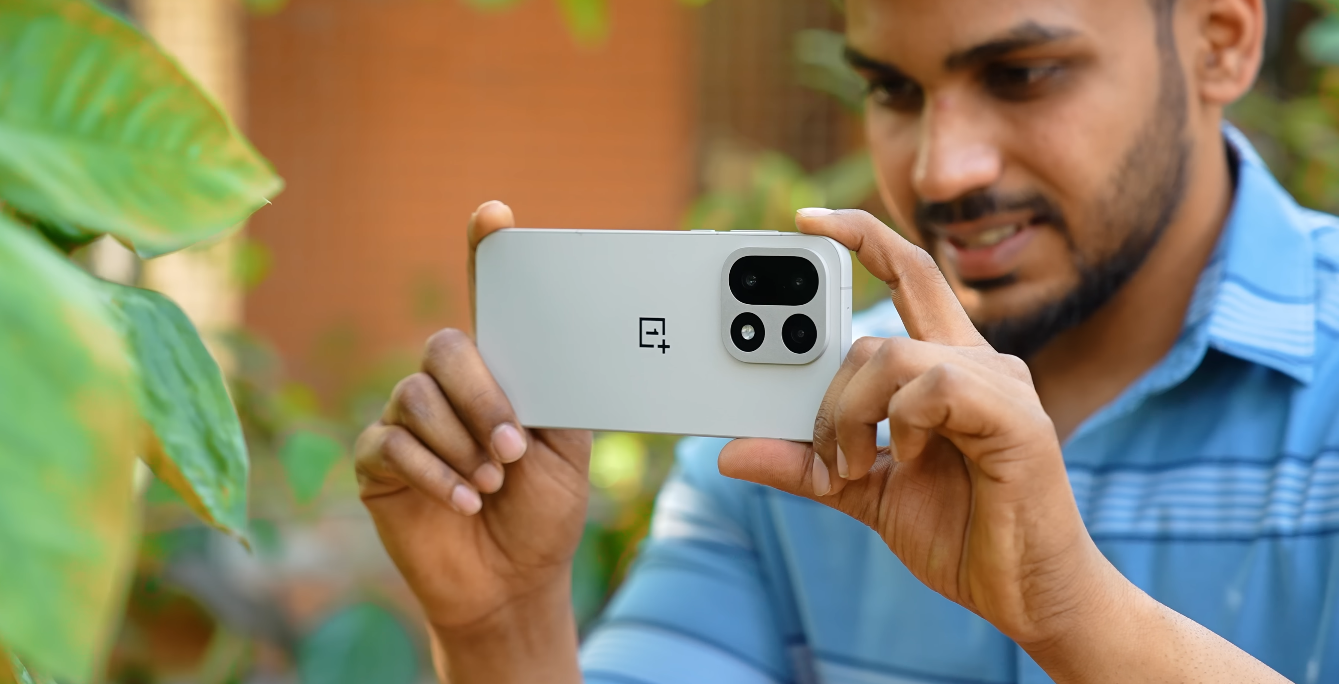
A closer look at the refined OxygenOS experience
The OnePlus 15 arrives with a renewed focus on software fluidity and clean interaction design, making its user interface one of the standout elements of the device. Running the latest iteration of OxygenOS based on the current Android release, the phone places emphasis on speed, visual consistency and subtle polish. For users in the UK who value a responsive and intuitive smartphone experience, these interface refinements help the OnePlus 15 stand apart in a competitive flagship market.
At first glance, the home screen and system layout feel deliberately uncluttered. OnePlus has reduced the number of pre-installed apps, keeping the interface closer to a streamlined Android approach while still offering signature utilities. This gives users the advantage of a functional environment without overwhelming them with unnecessary software. The goal is to create a space where navigation feels immediate and purposeful.
System animations are a key highlight in the updated interface. Transitions between apps, notifications and system menus have been reworked to be smoother and more consistent. These animations are designed to respond dynamically to touch input, reinforcing a sense of connection between user intent and visible response. The result is a device that feels light on its feet, even during heavier multitasking sessions across multiple active applications.
The notification shade and quick settings panel have seen subtle layout adjustments that improve accessibility. Toggles are easier to reach and reorganise, while notifications are grouped with clearer hierarchy to avoid visual congestion. This makes routine interactions, such as adjusting brightness or checking recent messages, more efficient. For users who rely on their device throughout a workday, the clarity in these panels has meaningful impact on speed of use.
Personalisation remains an important component of the OxygenOS experience on the OnePlus 15. The interface supports dynamic theming that adapts colour accents to match the current wallpaper, creating a unified visual presentation across system menus and app interfaces. Icon styles, font weights and animation speeds are adjustable directly through built-in menus. These features allow users to set a tone that matches their preferences without needing to install additional theme tools.
The settings menu has been reorganised to improve navigation flow. Frequently accessed categories such as display, battery and connectivity are positioned more intuitively, reducing the number of steps required to reach essential controls. This restructuring is designed to help users locate features quickly, whether adjusting power saver options or configuring network preferences. The system’s approach aligns with OnePlus’s broader emphasis on convenience.
The OnePlus 15 also integrates performance management features that operate quietly in the background. Resource allocation adjusts dynamically to reduce lag and maintain smooth operation while switching between apps. The system is engineered to sustain responsiveness even when several high-demand applications are active. This performance stability contributes to the impression of a refined interface that does not degrade under pressure.
Widgets and utility spaces, such as the Shelf feature, have been enhanced to provide more practical value. Users can place frequently needed information, app shortcuts or system toggles within easy access. The ability to customise this space ensures it supports individual workflow habits, whether for productivity, travel or entertainment. This flexibility helps the interface adapt to different user patterns rather than forcing a uniform approach.
The app drawer maintains an organised and minimal layout. Search functions respond quickly, and app sorting options support both alphabetical and custom arrangements. The drawer’s clean presentation prevents visual overload, especially for users who install numerous applications over time. This clarity helps maintain efficiency even as daily usage expands.
In everyday use, the OnePlus 15’s interface is designed to feel both consistent and unobtrusive. It supports the user’s actions without drawing attention to itself or requiring frequent manual adjustments. The result is an environment that feels coherent across system interactions, third-party apps and communication tools. The experience is shaped to support focus, speed and comfort across extended periods of device use.
Taken together, the user interface of the OnePlus 15 represents a balance between refinement and familiarity. It retains the strengths that users associate with OxygenOS—responsiveness, organisation and customisation—while reducing clutter and adding subtle improvements that enhance usability. For users who value both design stability and modern visual polish, the OnePlus 15 delivers a software experience that complements its hardware in a cohesive and confident manner.