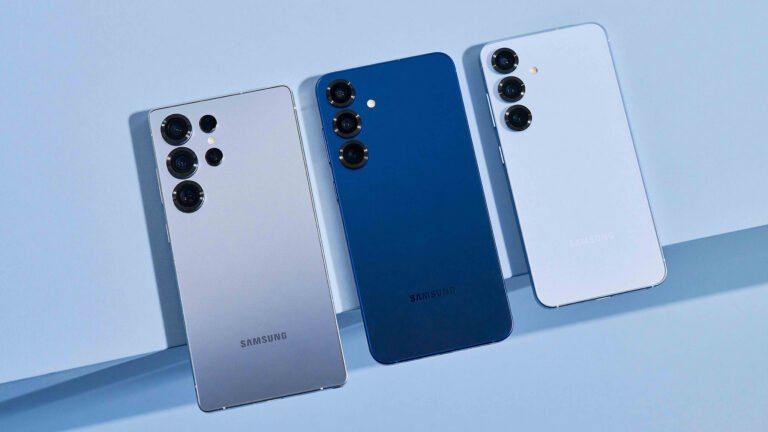
Origin OS settings that UK users should try first
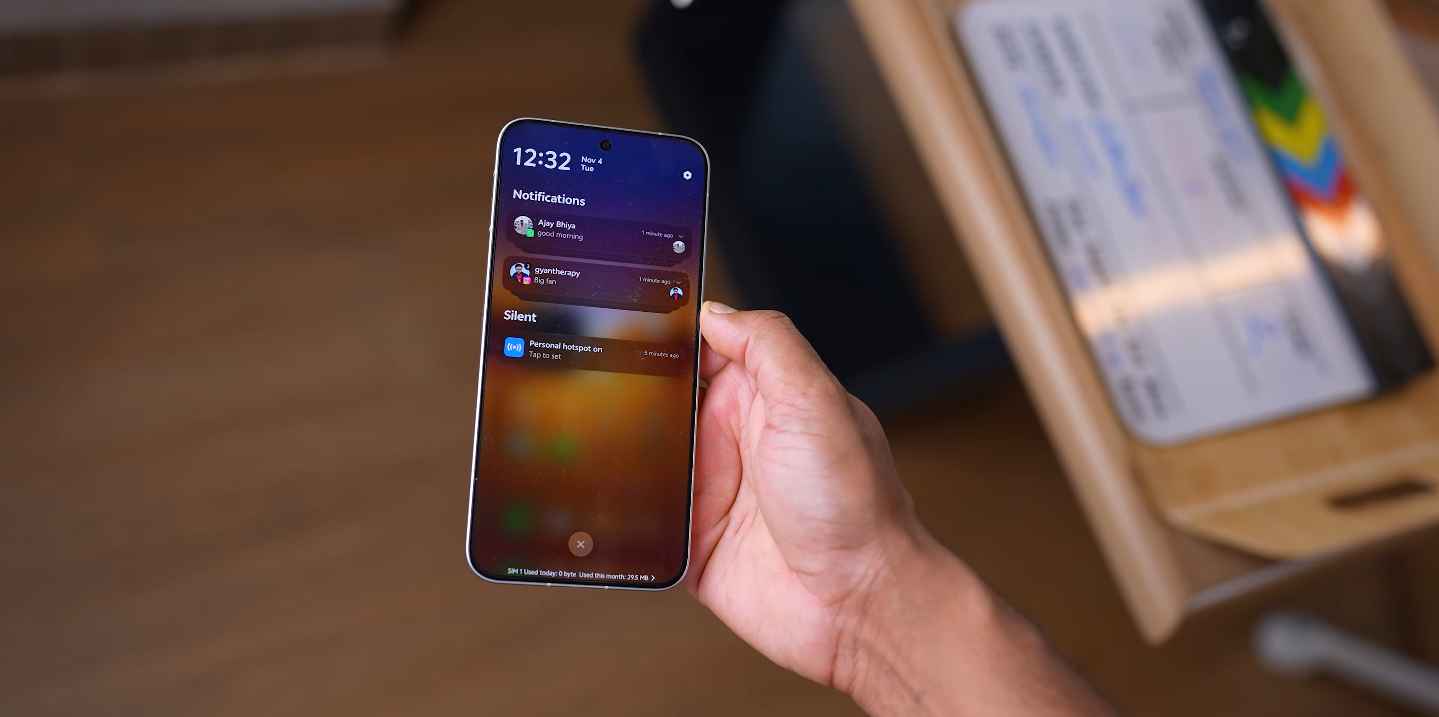
Key Features That Improve Everyday Smartphone Experience
Origin OS brings a range of new settings and interface tools that can make daily use feel more efficient, polished, and personalised. For UK users updating to the latest version, some features stand out as especially useful. Exploring these settings early can help unlock the strengths of the software, from performance improvements to visual clarity. The experience becomes smoother and more intuitive when these tools are enabled and adjusted to match personal habits.
One of the first settings worth exploring is the “Smooth Engine” performance mode. This system manages animations and touch response to create a fluid experience while navigating apps and menus. Enabling balanced performance mode helps maintain responsiveness without unnecessary battery drain. UK users note that this setting makes the phone feel faster during multitasking, scrolling, and switching between social media and messaging apps. It is particularly helpful for those who expect consistent performance throughout the day.
The customization options in the home screen layout and theme settings are also essential to explore. Origin OS allows UK users to adjust icon sizes, grid shapes, and widget arrangements to suit different styles and workflows. By selecting a theme that matches color preferences and pairing it with a clean layout, the phone becomes easier to navigate. This level of design flexibility helps the device feel personal without losing the sense of order that supports everyday use. It also allows users to refresh their phone’s look without needing external launchers.
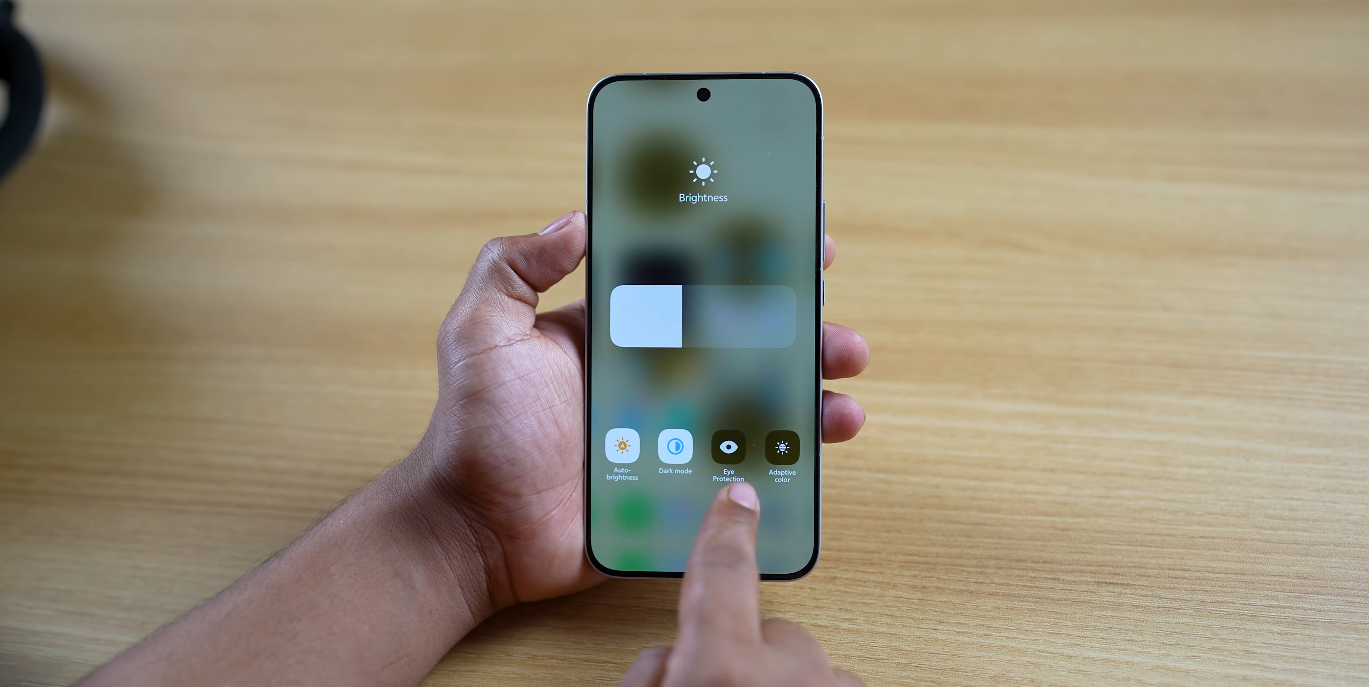
Notification and alert controls are another useful area to adjust early on. The system allows users to decide which apps can appear on the lock screen, send priority notifications, or remain silent in the background. For UK professionals and students managing busy schedules, this helps reduce distractions and keeps important alerts visible. Carefully choosing how notifications behave can make the phone feel more focused and less overwhelming throughout the day. It also supports better concentration when working, studying, or commuting.
The “Origin Island” feature is designed to centralize key information in one convenient space. It displays ongoing activities such as music playback, timers, or call status without requiring users to switch apps. Activating and customizing this area can make multitasking feel more efficient. Many UK users find it especially helpful during travel, exercise sessions, or work calls. The feature helps keep the screen organized while still showing the details that matter in the moment.
Gesture navigation is another setting that can improve the experience immediately. Switching from traditional button navigation to swipe-based gestures gives more screen space and smoother transitions between apps. The learning curve is minimal, and many users prefer the cleaner look and faster movements. Origin OS offers several gesture sensitivity options so users can fine-tune how the system responds. This makes gesture control feel natural and comfortable over time.
Battery management settings are important to review as well. The adaptive battery mode prioritizes power use for frequently used apps and reduces activity for programs running in the background. UK users who spend long hours away from chargers, especially commuters and students, can see noticeable benefits. Turning on intelligent charging can also protect battery health over time by reducing strain during overnight charging. These tools help extend both daily and long-term battery performance.
Privacy controls also play a key role in shaping the user experience. Origin OS allows detailed permission management for location access, microphone use, and background data. Reviewing these settings early ensures that apps behave as expected and keeps personal information secure. Many UK users appreciate the transparency and control provided by these options, especially when new apps are installed. Adjusting privacy preferences helps build confidence in the system’s reliability.
By exploring these settings, UK users can take full advantage of what Origin OS offers. The software is designed to adapt to different lifestyles, whether users prioritize speed, creativity, simplicity, or security. Adjusting performance tools, customizing the interface, refining notifications, and personalizing gestures helps create a device experience that feels both polished and personal. Origin OS becomes more than just a system update — it becomes a daily tool shaped around the user’s individual needs.